For whoever runs it
 For whoever runs it
After the tournament
The report for the club, the statistics, and keeping a backup.
- 1
Write the report
Post tournament report, on the finished tournament's page. Tick what the app should fill in, write the rest yourself, and publish it to get a link you can text round.
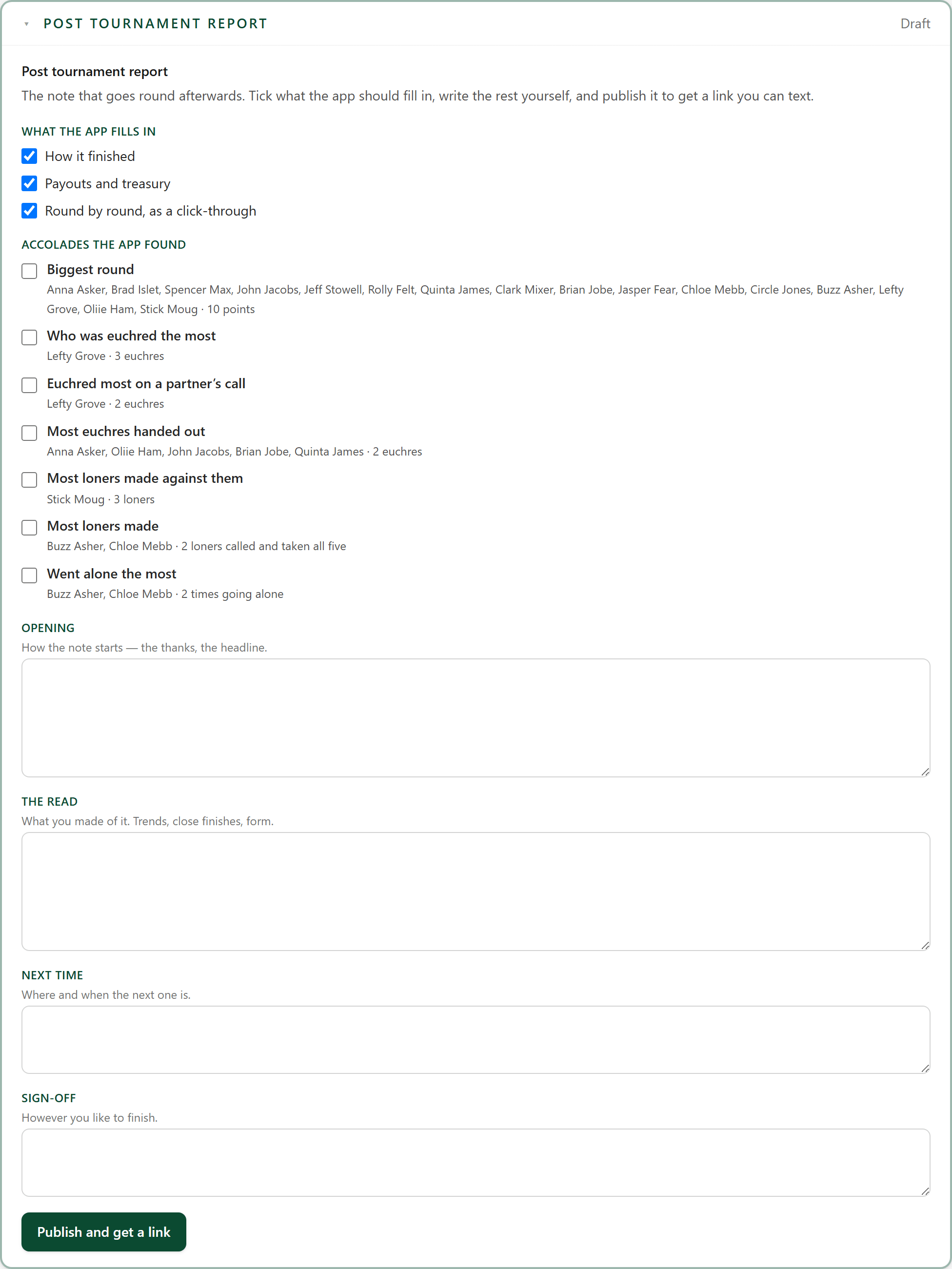
The accolades are found for you: the biggest round, who was euchred the most, who went alone the most.
- 2
The club's statistics
Club stats adds up every tournament the club has played: the last finish, most wins, most money, and the power score, points per round and share of the room beaten.
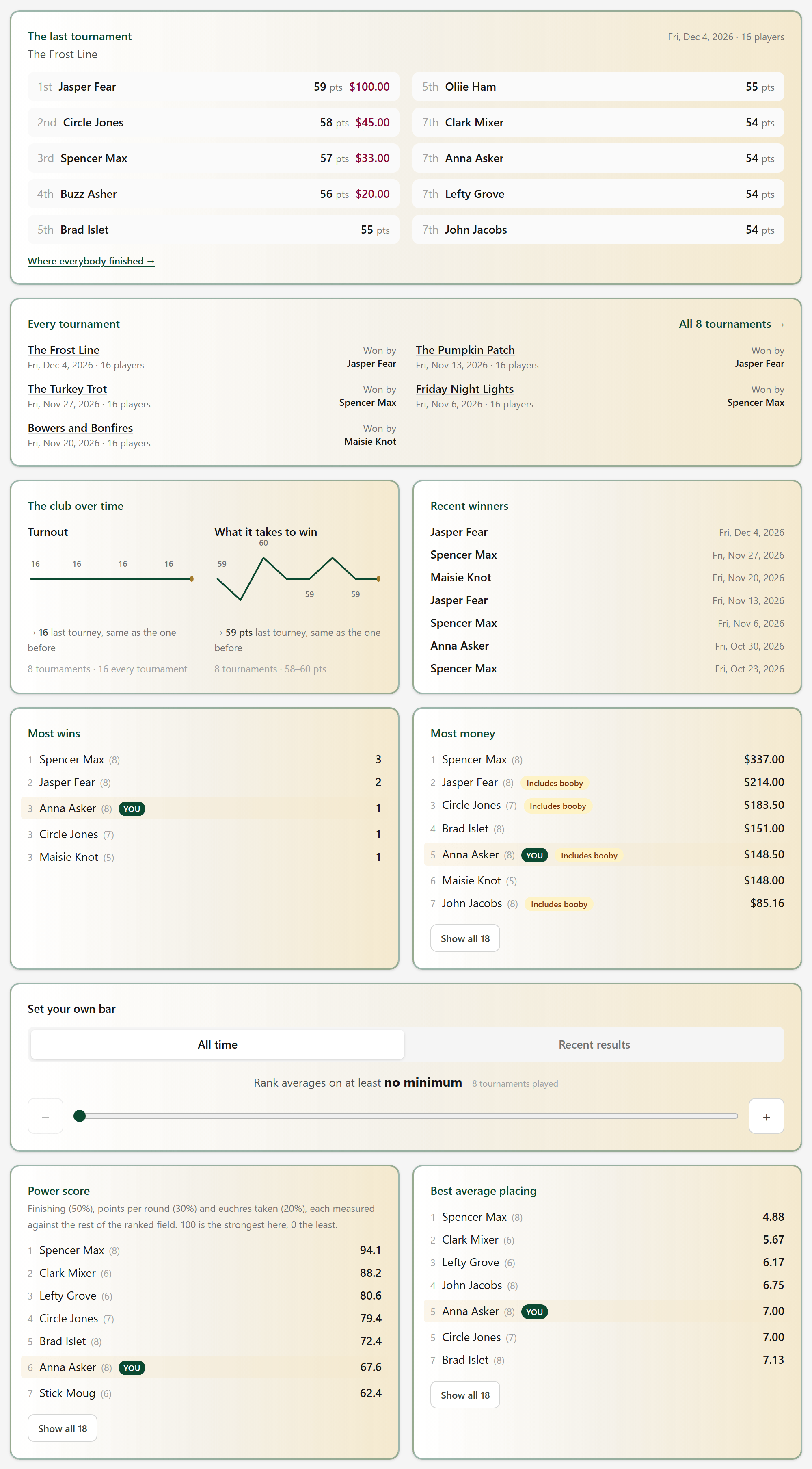
Members see the same page, with their own row marked.
- 3
Keep a backup
History & backups: Back up everything saves a file of the whole league to your computer. Do it after a tournament, after Sync.
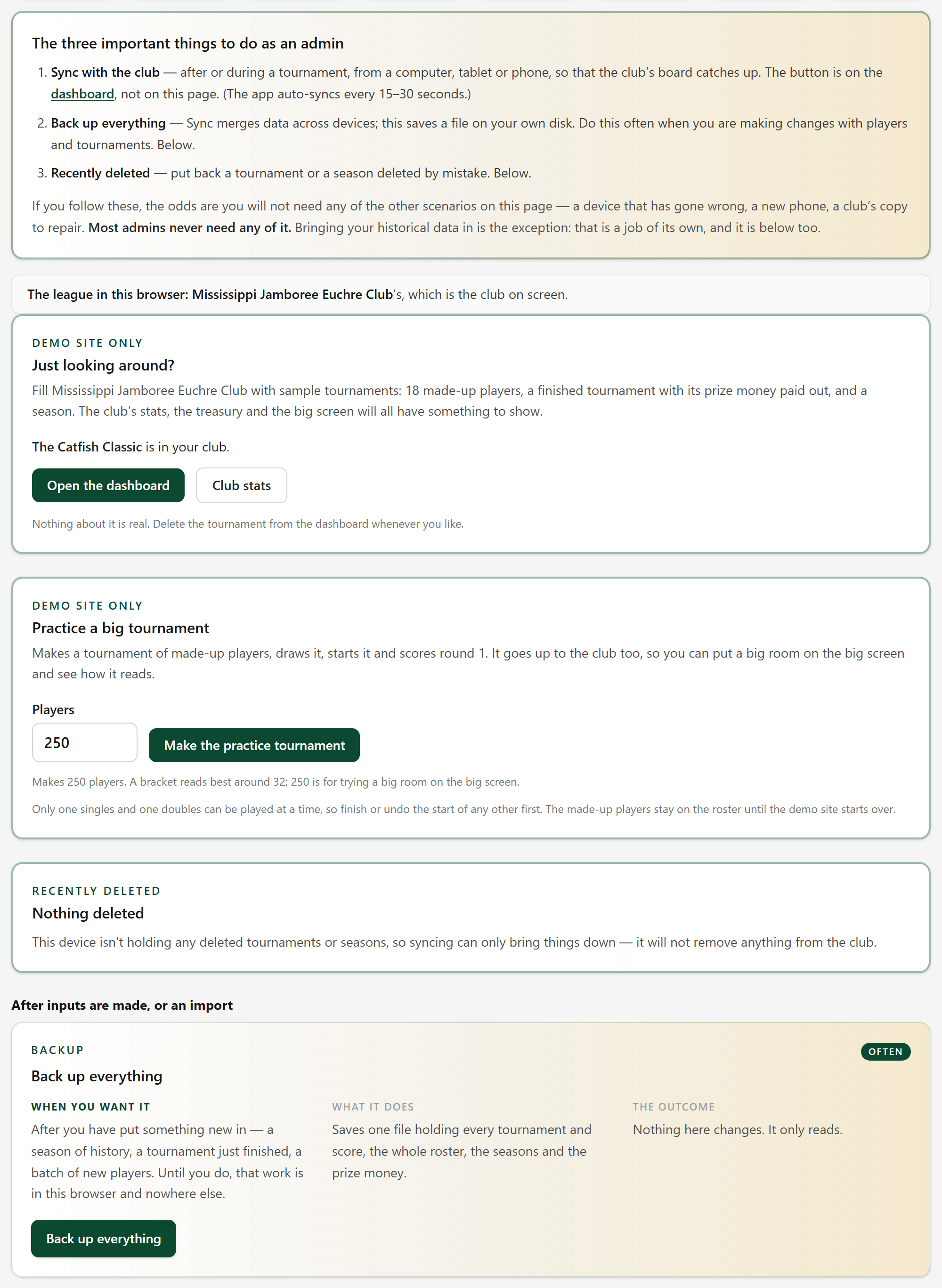
Deleted a tournament or a season by mistake? Recently deleted, on the same page, puts it back.
- 3A
A new phone or computer
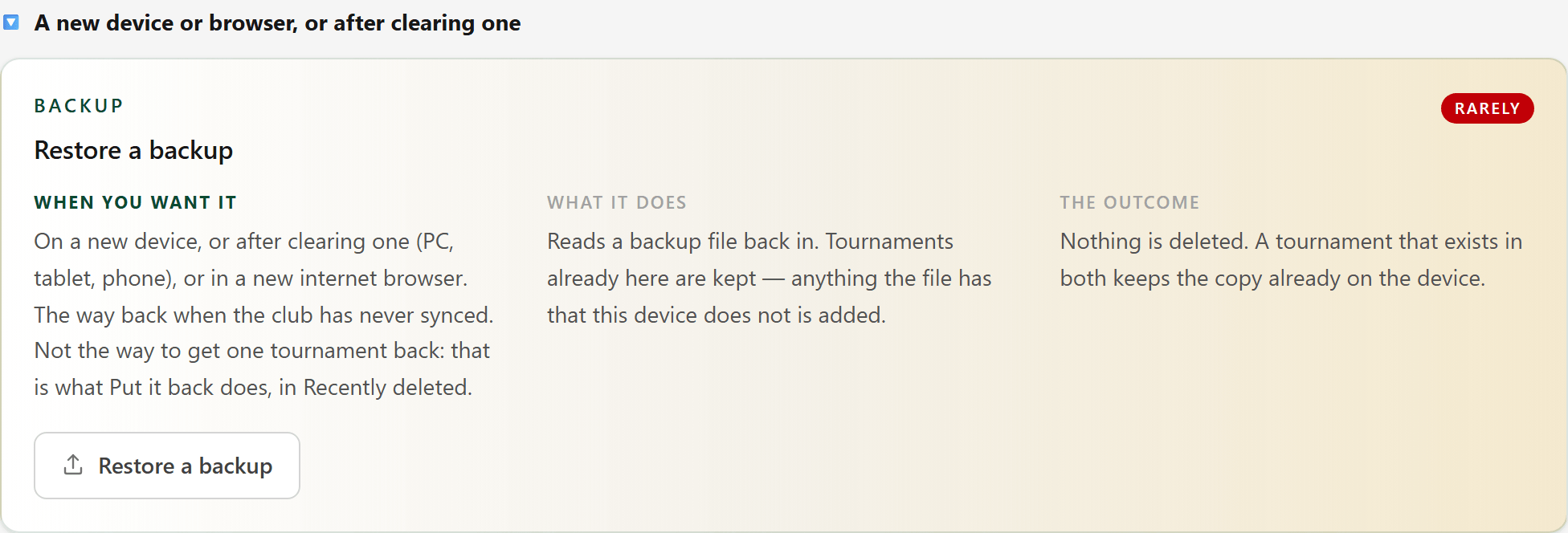
Admin on a new phone, a new computer, or a browser that was cleared? History & backups, A new device or browser: restore your backup file. If the club has been synced, the dashboard offers Bring in the club's copy instead.
- 3B
When the club's copy is wrong
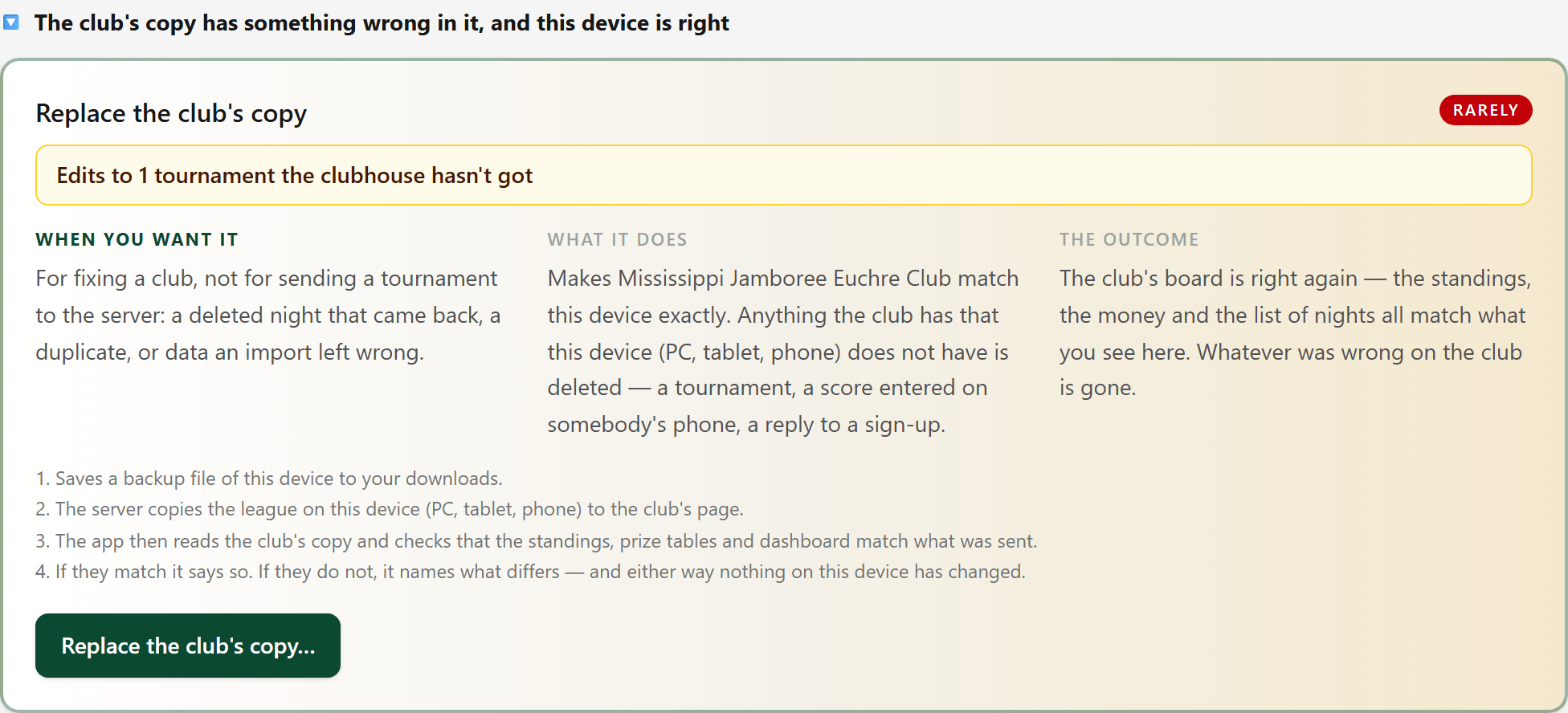
Rare. If this device is right and the club's copy is not, Replace the club's copy sends this device's league up in its place.