For whoever runs it
 For whoever runs it
Seasons
Starting a season, what counts toward it, the standings and leaders, the champion, and ending it.
- 1
Start a season
Seasons, from the dashboard, groups tournaments into one competition. Name the season, choose Singles or Doubles, and press Start a season.
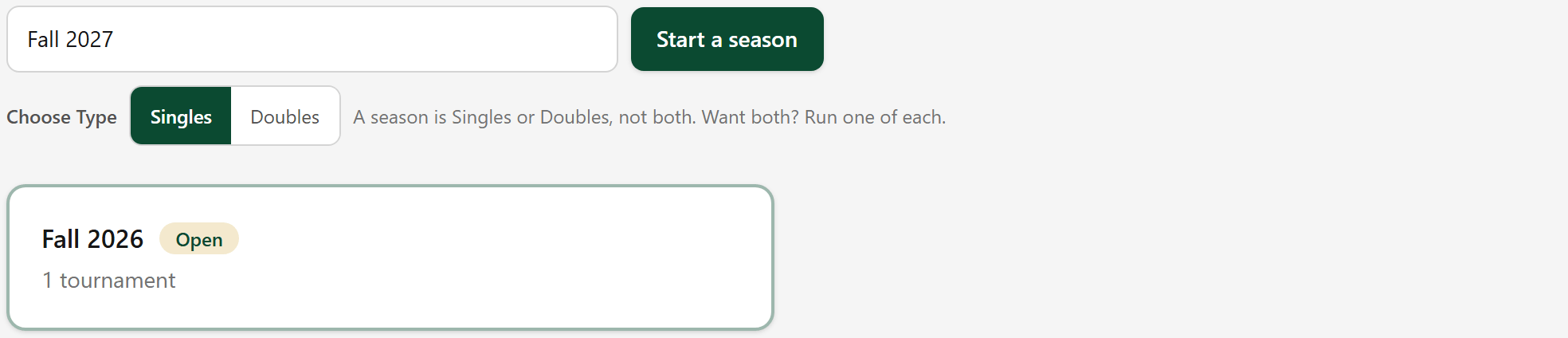
A season is singles or doubles, never both. Want both? Run one of each.
- 2
How long it runs, and who qualifies
Open the season. Choose how many tournaments make it up, or leave it empty to play on until you decide to stop. Then set the attendance a player needs to qualify.
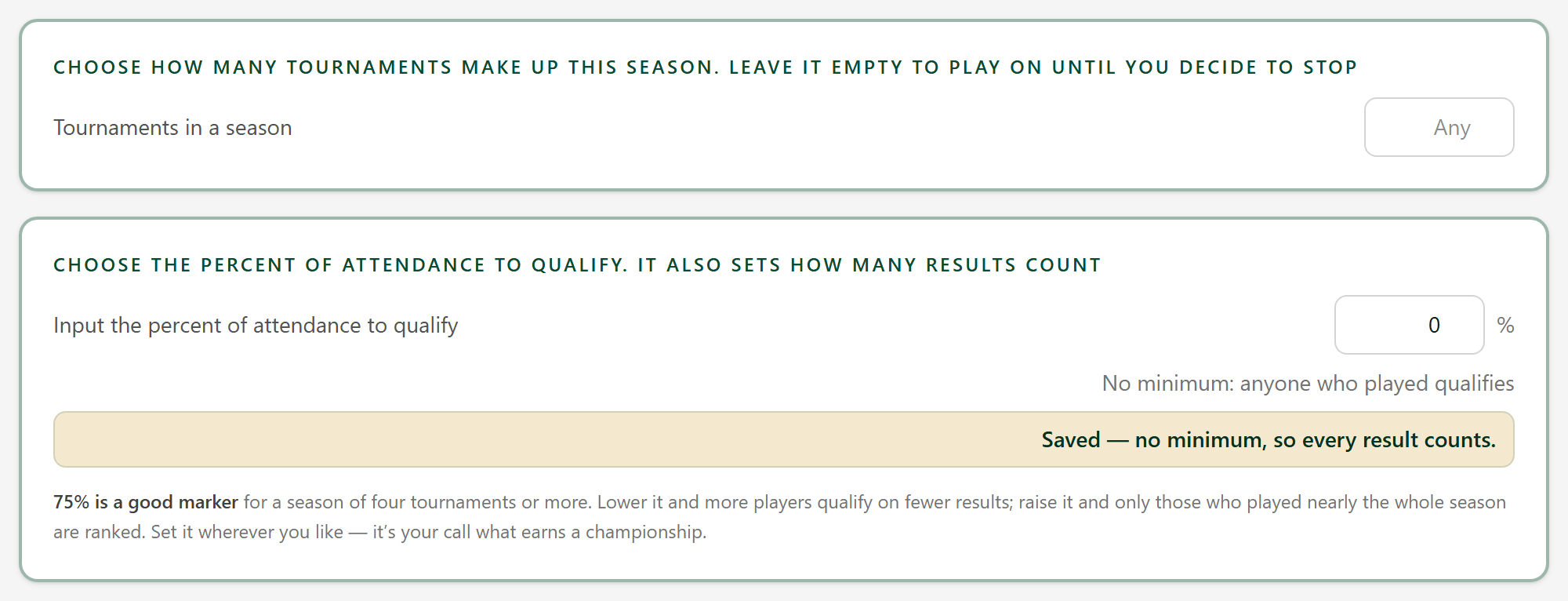
75% is a good marker for a season of four tournaments or more. No minimum means anyone who played qualifies.
- 3
The tournaments in the season
Add each tournament that counts toward the season from the list, and Remove takes one out.

Removing a tournament from the season does not change its results. It simply stops counting here.
- 4
The leaders
As the tournaments are played, the season names its leaders: the best share of the room beaten, the money winner and the point leader.

- 5
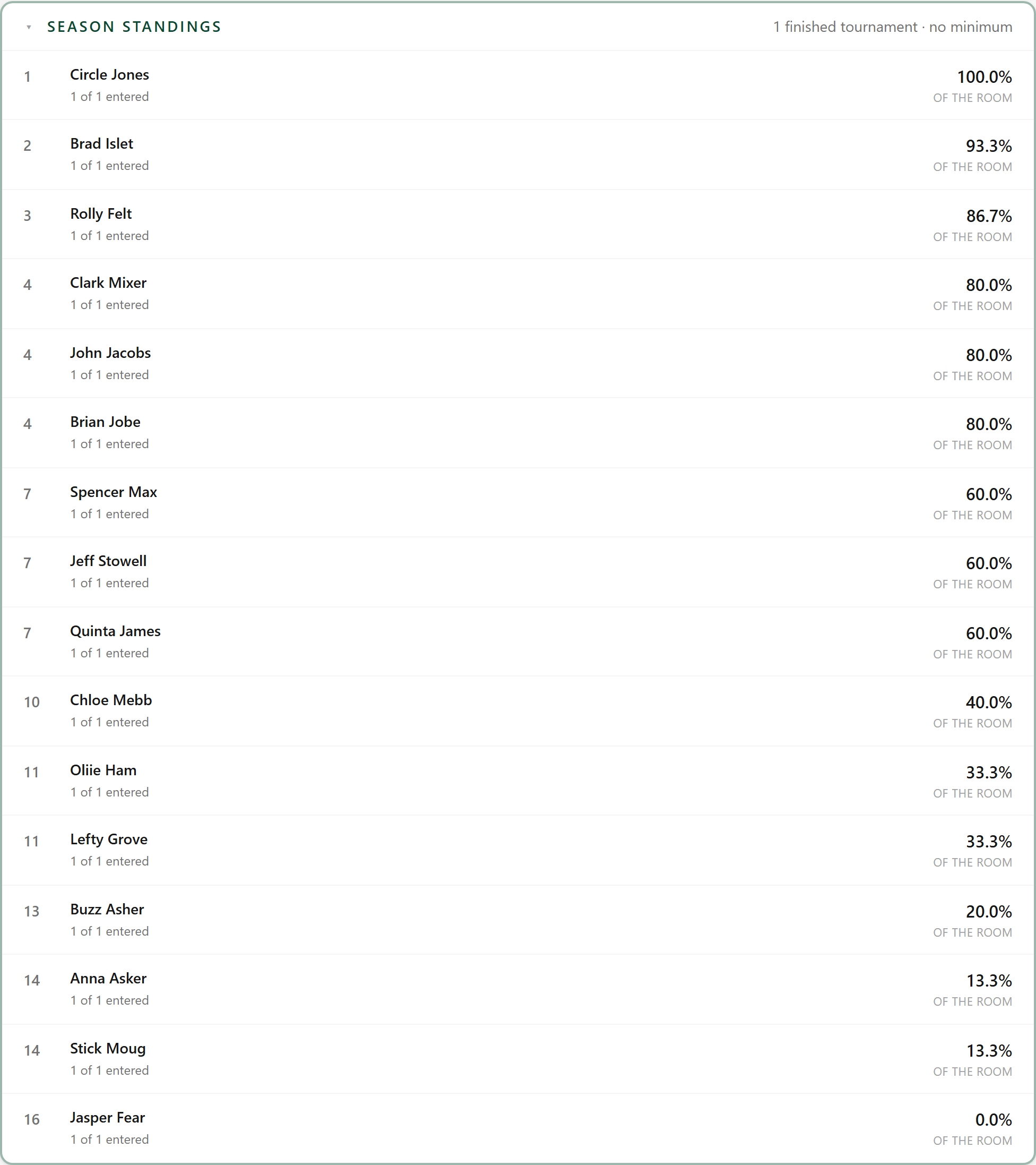
The season standings
Season standings ranks everybody who qualifies. The rows below it open the same way: placement average, share of the room beaten, money and points.
- 6
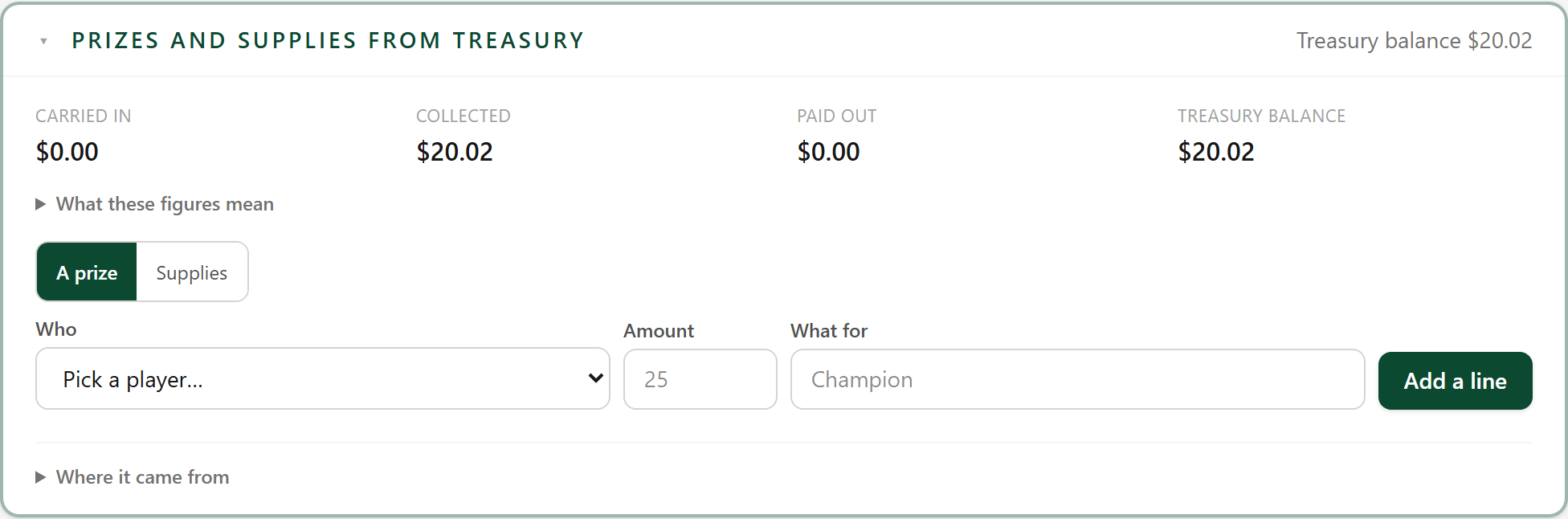
Prizes and supplies from the treasury
What the club spends over the season, out of the treasury: prizes for the season's winners, supplies, anything else. The treasury balance updates as you record it.
- 7
Name the champion
When the season is over, choose the season champion, and a runner-up if you like.

- 8
End the season
End season closes it once the last tournament is in. Delete season removes the season itself.

Ending a season isn't final: you can open it back up. Deleting one leaves its tournaments exactly as they are; they simply stop being grouped.